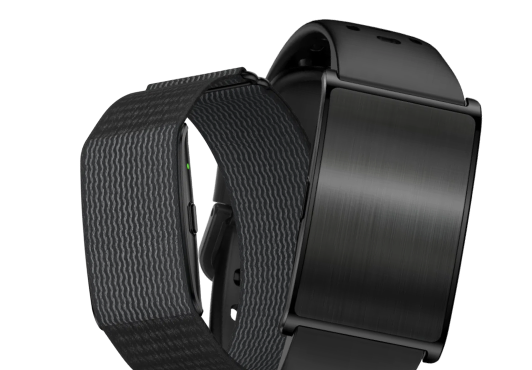
Bands & accessories: the essentials.
- 01
Match an accessory to the exact bracelet model
Check compatibility with the ONU Bracelet model and the attachment or charging connection shown in the product information. Similar appearance alone does not establish compatibility. If the listing is unclear, ask support before ordering.
Meet the ONU Bracelet - 02
Choose the band variant in the purchase page
The ONU shop shows the available band options with product photos. Check the selected variant before you pay.
- 03
Check fit, materials and what is included
Read the actual listing for sizing and materials and confirm the contents of the package. If you have a known material sensitivity or a fit concern, clarify it with the seller before purchase. Keep care and cleaning instructions with the product information.
- 04
Review the order before payment
Confirm the selected variant, quantity, price, shipping destination and return terms in the checkout you are directed to. An order is complete only when the payment flow confirms it.




Compare the available products and options.